
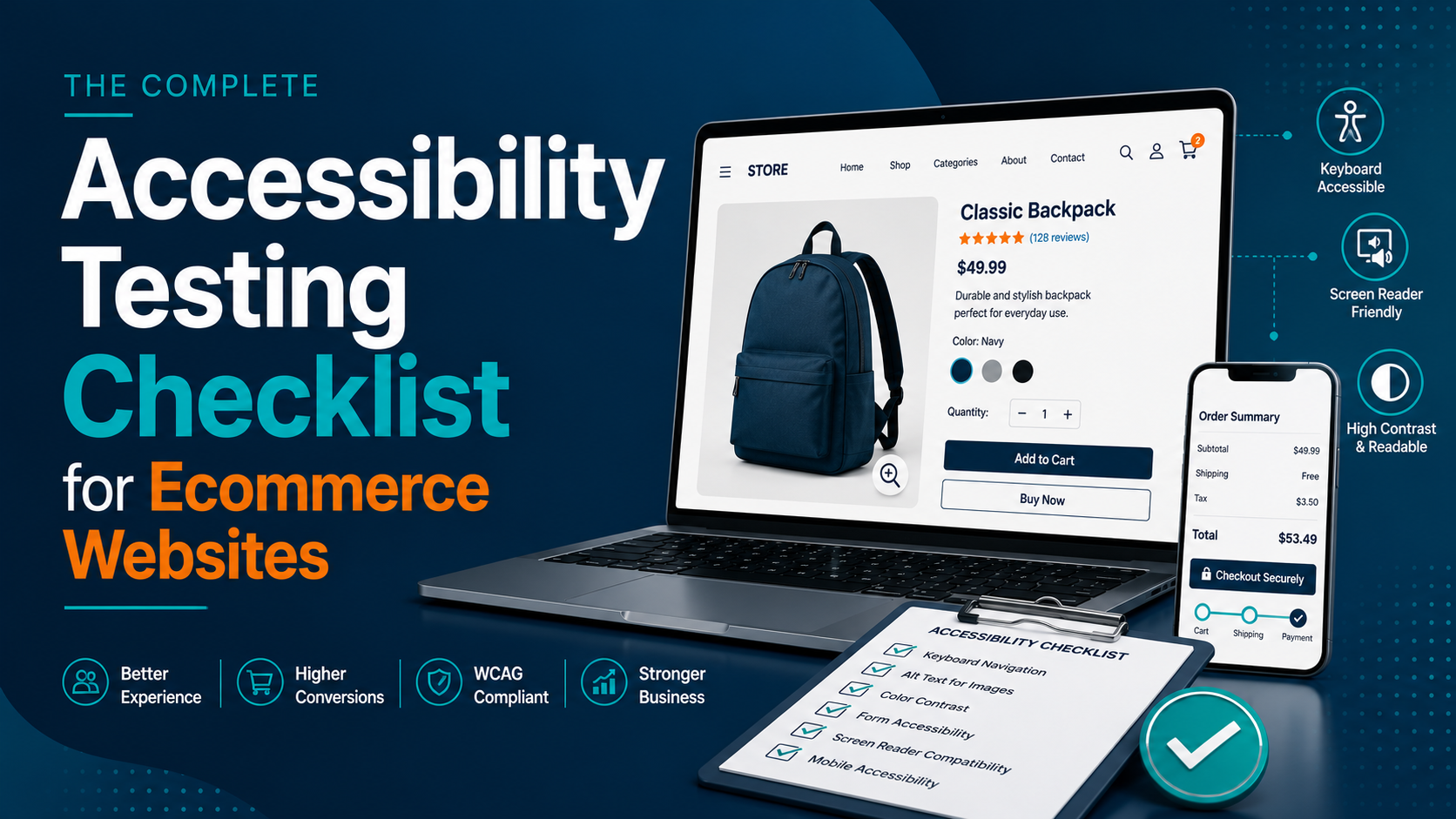
An accessibility testing checklist for ecommerce websites helps businesses identify and fix usability barriers that prevent people with disabilities from browsing products, searching, adding items to their cart, and completing purchases. A comprehensive checklist covers navigation, images, forms, checkout, keyboard accessibility, screen reader compatibility, color contrast, mobile accessibility, and WCAG compliance.
Introduction
An ecommerce website should be designed for everyone—not just the average user. Every visitor, regardless of their physical or cognitive abilities, should be able to browse products, compare options, add items to their shopping cart, and complete purchases without encountering unnecessary barriers.
However, many online stores unintentionally exclude users by overlooking accessibility during design and development. Missing alternative text, poor keyboard navigation, inaccessible forms, low color contrast, and confusing checkout experiences can prevent customers from successfully completing their purchases.
Accessibility is no longer just a compliance requirement. It directly impacts customer experience, conversion rates, search engine optimization (SEO), and brand reputation. An accessible ecommerce website reaches a wider audience while reducing cart abandonment and improving overall usability.
Following a structured accessibility testing checklist helps identify common issues before they affect customers. Whether you’re launching a new online store or improving an existing one, this guide provides a practical checklist based on Web Content Accessibility Guidelines (WCAG) best practices.
Why Accessibility Matters for Ecommerce Websites
Unlike informational websites, ecommerce platforms require users to complete multiple interactions before making a purchase.
Customers need to:
- Search for products
- Filter results
- Read product information
- View images
- Compare products
- Add items to the cart
- Complete forms
- Make secure payments
- Track orders
If any of these steps become inaccessible, users may abandon the purchase entirely.
An accessible ecommerce website benefits both customers and businesses by:
- Improving user experience
- Increasing conversion rates
- Reducing cart abandonment
- Supporting WCAG compliance
- Expanding audience reach
- Improving SEO
- Strengthening brand trust
Accessibility Testing Checklist for Ecommerce Websites
Use the following checklist to evaluate your ecommerce website.
1. Keyboard Navigation
Many users cannot use a mouse and rely entirely on keyboards or assistive technologies.
Verify that users can:
- Navigate every page using the keyboard
- Access menus
- Browse product listings
- Select product options
- Add products to the cart
- Complete checkout
- Submit forms
There should be no keyboard traps or inaccessible interactive elements.
2. Alternative Text for Product Images
Every informative image should contain meaningful alternative text.
Examples include:
✔ Product name
✔ Product color
✔ Product style
✔ Product variation
Avoid generic descriptions such as “image” or “product photo.”
Decorative images should use empty alt attributes.
3. Color Contrast
Ensure sufficient contrast between text and background.
Pay particular attention to:
- Product descriptions
- Pricing
- Buttons
- Navigation menus
- Promotional banners
- Error messages
Poor contrast can make content difficult to read for users with low vision.
4. Heading Structure
Product pages should follow a logical heading hierarchy.
Example:
- H1 – Product Name
- H2 – Description
- H2 – Specifications
- H2 – Customer Reviews
- H2 – Frequently Bought Together
Proper headings improve both accessibility and SEO.
5. Product Filters
Filtering options should be fully accessible.
Verify:
- Keyboard operation
- Screen reader announcements
- Clear labels
- Selected filter feedback
Users should understand which filters are currently active.
6. Search Functionality
The search feature should:
- Include accessible labels
- Support keyboard navigation
- Display readable suggestions
- Announce search results to screen readers
Search is often the primary navigation method for ecommerce users.
7. Forms and Input Fields
Forms should include:
- Visible labels
- Placeholder text (optional, not a replacement)
- Required field indicators
- Helpful instructions
- Accessible error messages
This applies to:
- Registration
- Login
- Checkout
- Newsletter signup
- Contact forms
8. Accessible Buttons
Buttons should clearly describe their purpose.
Examples:
✔ Add to Cart
✔ Buy Now
✔ Continue Shopping
✔ Apply Coupon
Avoid vague button labels such as “Click Here.”
9. Shopping Cart Accessibility
Users should be able to:
- Review products
- Modify quantities
- Remove items
- View totals
- Apply coupons
- Continue shopping
All shopping cart functions should work with keyboards and screen readers.
10. Checkout Accessibility
The checkout process is one of the most critical accessibility checkpoints.
Verify:
- Logical tab order
- Accessible payment fields
- Error identification
- Clear confirmation messages
- Progress indicators
A confusing checkout experience often leads to abandoned purchases.
11. Error Messages
Error messages should:
- Clearly explain the issue
- Identify the affected field
- Suggest corrective action
- Not rely on color alone
Users should understand how to resolve errors without frustration.
12. Screen Reader Compatibility
Test your ecommerce website using screen readers such as:
- NVDA
- JAWS
- VoiceOver
- TalkBack
Verify that:
- Product information is announced correctly
- Prices are readable
- Buttons are labelled
- Forms are understandable
- Navigation is logical
13. Mobile Accessibility
Many ecommerce purchases occur on mobile devices.
Test:
- Responsive layouts
- Touch target sizes
- Zoom support
- Orientation changes
- Mobile screen readers
- Gesture accessibility
Accessibility should remain consistent across all devices.
14. Accessible PDFs and Downloads
If your store provides:
- Product manuals
- Installation guides
- Warranty documents
- Catalogs
Ensure these documents are also accessible.
15. Multimedia Accessibility
Videos should include:
- Captions
- Transcripts
- Audio descriptions (where appropriate)
Product demonstration videos should be usable by everyone.
Automated vs Manual Accessibility Testing
A complete accessibility audit should combine automated tools with manual evaluation.
| Automated Testing | Manual Testing |
|---|---|
| Detects common WCAG issues | Evaluates real user experience |
| Fast scanning | Keyboard testing |
| Color contrast analysis | Screen reader testing |
| Missing alt text detection | Focus management |
| Basic ARIA validation | Checkout usability |
| Code validation | Overall accessibility review |
Automated tools are valuable but cannot identify every accessibility issue.
Recommended Accessibility Testing Tools
Common accessibility testing tools include:
- axe DevTools
- WAVE
- Google Lighthouse
- Accessibility Insights
- NVDA Screen Reader
- JAWS
- VoiceOver
- TalkBack
- Colour Contrast Analyser
Using multiple tools provides a more comprehensive evaluation.
Common Accessibility Mistakes in Ecommerce Websites
Many ecommerce websites struggle with similar accessibility problems, including:
- Missing image alternative text
- Inaccessible mega menus
- Poor color contrast
- Keyboard traps
- Missing form labels
- Unclear error messages
- Generic button labels
- Inaccessible product filters
- Checkout forms that are difficult to navigate
- Videos without captions
Regular accessibility testing helps identify these issues before they affect customers.
Ecommerce Accessibility Best Practices
To maintain an accessible online store:
- Follow WCAG 2.2 Level AA guidelines.
- Test accessibility throughout development.
- Combine automated and manual testing.
- Test on desktop and mobile devices.
- Verify keyboard navigation regularly.
- Conduct screen reader testing.
- Review accessibility after design changes.
- Include accessibility in QA processes.
- Train developers and designers on accessibility principles.
Accessibility should be treated as an ongoing process rather than a one-time project.
Frequently Asked Questions
Why is accessibility important for ecommerce websites?
Accessibility ensures all users, including people with disabilities, can browse products, complete purchases, and access online services without barriers.
What accessibility standard should ecommerce websites follow?
Most organizations aim to comply with WCAG 2.2 Level AA, which is widely recognized as the recommended accessibility standard.
Can accessibility improve ecommerce conversions?
Yes. Accessible websites provide better usability, reduce checkout friction, and improve the shopping experience, which can contribute to higher conversion rates.
How often should ecommerce accessibility testing be performed?
Accessibility testing should be performed during development, before major releases, after significant design changes, and as part of regular website maintenance.
Do automated tools detect every accessibility issue?
No. Automated tools identify many common problems, but manual testing is essential for evaluating keyboard accessibility, screen readers, and real-world usability.
Conclusion
Accessibility is a fundamental part of creating a successful ecommerce website. A store that is easy to navigate, understandable, and usable for everyone not only supports compliance with accessibility standards but also delivers better customer experiences and stronger business outcomes.
By following this accessibility testing checklist, ecommerce businesses can identify common barriers, improve usability, reduce cart abandonment, and build more inclusive shopping experiences. Combining automated accessibility tools with manual testing ensures a comprehensive evaluation and helps maintain accessibility as your website evolves.
Making accessibility part of your ongoing quality assurance process is one of the most effective ways to create an online store that serves every customer equally while supporting long-term growth.