
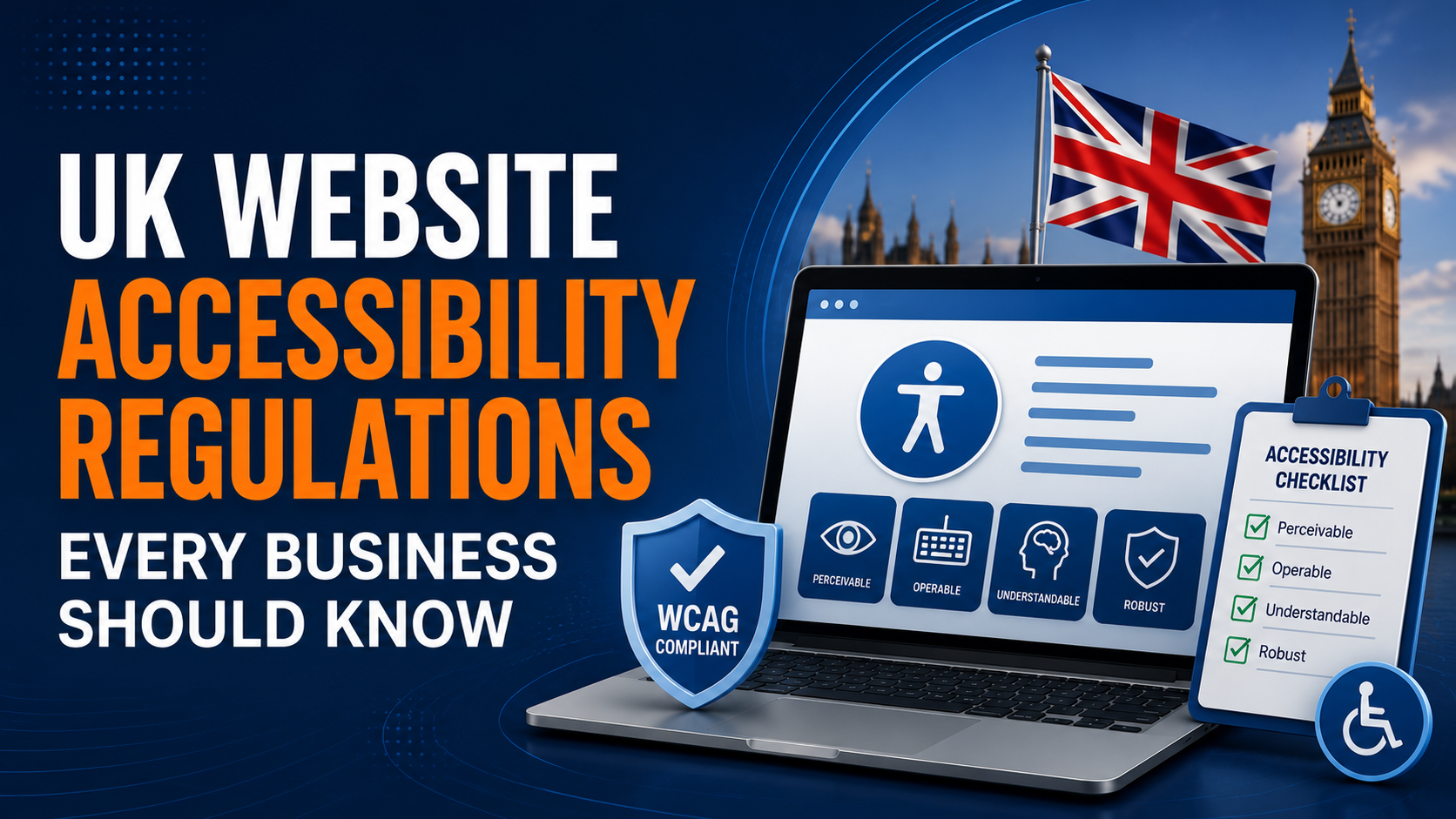
UK website accessibility regulations require many organizations to ensure their websites and digital services are accessible to people with disabilities. Compliance is primarily based on the Web Content Accessibility Guidelines (WCAG), helping businesses improve usability, reduce legal risks, and provide inclusive digital experiences.
Introduction
Digital accessibility is no longer just a best practice—it has become a legal, ethical, and commercial priority. As businesses increasingly rely on websites and digital platforms to engage customers, ensuring everyone can access online services is essential.
In the UK alone, millions of people live with disabilities that may affect how they use the internet. From visual and hearing impairments to cognitive and motor disabilities, inaccessible websites can create significant barriers for users trying to purchase products, access services, or obtain important information.
Beyond improving user experience, UK businesses must also understand their legal responsibilities. Website accessibility is increasingly scrutinized under UK legislation, and organizations that fail to provide accessible digital experiences may face legal complaints, reputational damage, and lost business opportunities.
This guide explains the UK’s website accessibility regulations, who they apply to, how WCAG compliance works, and practical steps every business can take to improve accessibility.
What Are UK Website Accessibility Regulations?
UK website accessibility regulations are legal and technical requirements that encourage organizations to make their websites, mobile applications, and digital services accessible to everyone, including people with disabilities.
These regulations are largely based on the Web Content Accessibility Guidelines (WCAG), the internationally recognized accessibility standard published by the World Wide Web Consortium (W3C).
The objective is simple: ensure that people can perceive, understand, navigate, and interact with digital content regardless of their abilities or the assistive technologies they use.
Why Website Accessibility Matters
Accessibility benefits both users and businesses.
An accessible website:
- Improves customer experience
- Increases audience reach
- Supports inclusive design
- Improves SEO performance
- Increases conversion rates
- Strengthens brand reputation
- Reduces legal and compliance risks
Accessibility is no longer viewed solely as a compliance initiative—it is a business advantage.
Key UK Accessibility Laws Every Business Should Know
Equality Act 2010
The Equality Act 2010 protects individuals from discrimination, including discrimination arising from inaccessible digital services.
Although the Act does not explicitly mention websites, businesses providing online services are expected to make reasonable adjustments so disabled users can access their products and services.
This applies to many private businesses as well as public organizations.
Public Sector Bodies Accessibility Regulations 2018
The Public Sector Bodies (Websites and Mobile Applications) Accessibility Regulations 2018 require UK public sector organizations to ensure their websites and mobile applications meet accessibility standards.
Organizations covered by these regulations must:
- Meet WCAG 2.2 (or the applicable adopted version)
- Publish an accessibility statement
- Resolve identified accessibility issues
- Regularly monitor accessibility
These regulations apply to government departments, councils, NHS organizations, universities, schools, and many other public bodies.
European Accessibility Act (EAA)
Although the UK is no longer part of the European Union, many UK businesses serving customers across Europe may also need to comply with the European Accessibility Act (EAA).
The EAA introduces accessibility requirements for products and digital services offered within EU member states, making accessibility increasingly important for organizations operating internationally.
Understanding WCAG Compliance
The Web Content Accessibility Guidelines (WCAG) provide the technical framework used worldwide to evaluate website accessibility.
WCAG is built around four core principles:
Perceivable
Users must be able to perceive information presented on the website.
Examples include:
- Alternative text for images
- Captions for videos
- Sufficient colour contrast
Operable
Users must be able to navigate and interact with the website.
Examples include:
- Keyboard accessibility
- Visible focus indicators
- Logical navigation
Understandable
Content should be easy to read and operate.
Examples include:
- Clear language
- Consistent navigation
- Helpful error messages
Robust
Content should function reliably across browsers and assistive technologies.
Examples include:
- Semantic HTML
- ARIA implementation
- Screen reader compatibility
Common Website Accessibility Issues
Many business websites still contain accessibility barriers.
Some of the most common include:
Missing Alternative Text
Images without descriptive alt text cannot be understood by screen reader users.
Poor Colour Contrast
Low contrast between text and backgrounds makes content difficult to read.
Missing Form Labels
Forms lacking accessible labels create confusion for assistive technology users.
Keyboard Navigation Issues
Interactive elements that cannot be accessed using a keyboard exclude many users.
Incorrect Heading Structure
Improper use of headings affects both accessibility and SEO.
Videos Without Captions
Multimedia content should include captions and transcripts wherever appropriate.
Generic Link Text
Links such as “Click Here” provide little context to screen reader users.
Does Website Accessibility Improve SEO?
Yes.
Many accessibility best practices also align with SEO best practices.
Benefits include:
- Better page structure
- Improved semantic HTML
- Descriptive image alt text
- Better navigation
- Improved user experience
- Lower bounce rates
- Higher engagement
Search engines reward websites that are easy for both users and crawlers to understand.
How to Test Website Accessibility
Businesses should combine automated tools with manual testing.
Automated Testing
Useful tools include:
- Google Lighthouse
- WAVE
- axe DevTools
- Accessibility Insights
Automated tools quickly identify many common accessibility issues.
Manual Testing
Manual evaluation should include:
- Keyboard-only navigation
- Screen reader testing
- Zoom testing
- Colour contrast checks
- Mobile accessibility testing
Manual testing identifies usability issues that automated scanners often miss.
Website Accessibility Checklist
Before publishing your website, verify the following:
✔ Images include alternative text.
✔ Colour contrast meets WCAG requirements.
✔ Forms have accessible labels.
✔ Keyboard navigation works correctly.
✔ Focus indicators are visible.
✔ Heading hierarchy is logical.
✔ Videos include captions.
✔ Links describe their purpose.
✔ Error messages are meaningful.
✔ Screen readers can navigate all content.
Benefits of Accessibility Compliance
Investing in accessibility provides long-term business value.
Benefits include:
- Better customer experience
- Increased website usability
- Higher conversion rates
- Improved SEO
- Wider audience reach
- Reduced legal exposure
- Stronger brand reputation
- Greater digital inclusivity
Accessibility should be viewed as an ongoing improvement process rather than a one-time project.
Why Professional Accessibility Testing Matters
While automated accessibility tools are valuable, they cannot identify every accessibility issue.
Professional accessibility testing combines automated scanning with manual evaluation performed by accessibility specialists.
At Dawn IT Services, our Accessibility Testing Services help businesses identify, prioritize, and remediate accessibility issues across websites, web applications, mobile applications, and enterprise software.
Our services include:
- WCAG compliance assessments
- Manual accessibility audits
- Keyboard navigation testing
- Screen reader testing
- Mobile accessibility testing
- Accessibility remediation guidance
- Accessibility consulting
Whether you’re preparing for compliance, improving user experience, or expanding internationally, our accessibility experts can help ensure your digital products are usable by everyone.
Frequently Asked Questions
Are UK businesses legally required to have accessible websites?
Many organizations, particularly public sector bodies, have explicit accessibility obligations. Private businesses are also expected to provide accessible services under the Equality Act 2010 through reasonable adjustments.
What is WCAG?
WCAG (Web Content Accessibility Guidelines) is the international standard used to evaluate website accessibility.
Does accessibility improve SEO?
Yes. Many accessibility improvements, including semantic HTML, alt text, descriptive headings, and better navigation, also contribute to improved search engine optimization.
Can automated tools identify every accessibility issue?
No. Automated tools detect many common issues but cannot replace manual accessibility testing with assistive technologies.
How often should accessibility testing be performed?
Accessibility should be reviewed during development, before major releases, and periodically as websites evolve.
Conclusion
Website accessibility is becoming increasingly important for organizations operating in the UK. Understanding UK accessibility regulations, implementing WCAG best practices, and conducting regular accessibility testing helps businesses reduce legal risks while delivering better digital experiences for every user.
Rather than viewing accessibility as a compliance obligation alone, businesses should see it as an opportunity to improve customer satisfaction, strengthen SEO performance, increase conversions, and build a more inclusive brand.
If your organization wants to evaluate its website against WCAG guidelines or improve digital accessibility, Dawn IT Services provides comprehensive accessibility testing and consulting services to help you create accessible, compliant, and user-friendly digital experiences.